You can find my new web presence at https://khromov.se
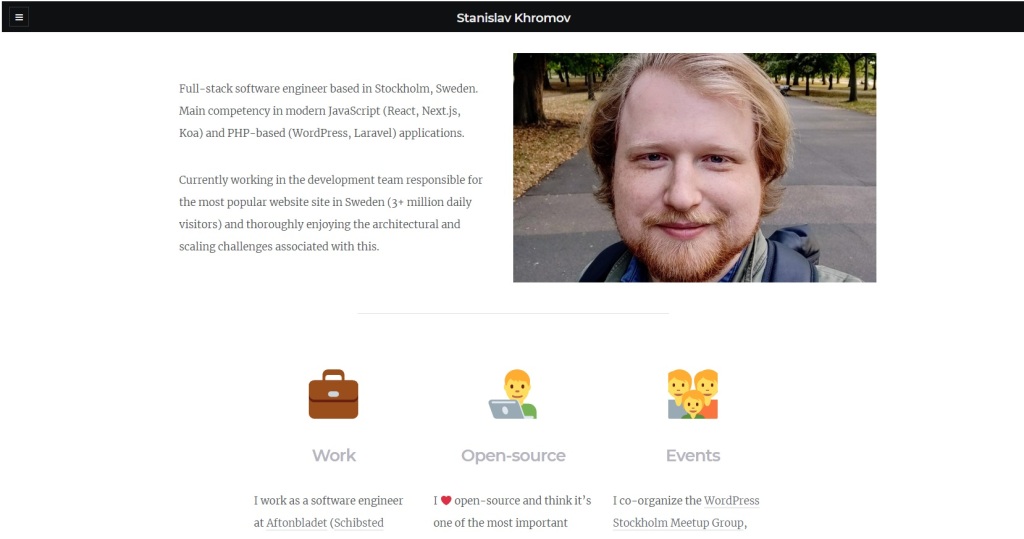
You can find my new web presence at https://khromov.se
My presentation from WordCamp Norrköping!

Just released a new WordPress plugin:
Views Output Formats
It lets you export your WordPress data in XML and JSON formats easily, and integrates with the Toolset Views plugin.

I love working with technology. Every day you are treated to new and exciting challenges, and their solutions.
Lately, I have been keeping a snippet journal. As the name entails, it consists of short snippets that solve a specific task – anything from listing the content of a zip file to working with GeoIP in PHP.
I’m really enjoying the concept. It’s easy to make multiple posts per day and my recollection of the solutions has improved vastly – and if memory fails, there’s always that journal entry!
This blog will continue as is – slightly dormant. Larger announcements and news here will still be posted here, but for my day-to-day interactions with technology, I have the trusted snippet journal!
Have you been doing something similar? Leave a comment!
A new version of Distraction Free Writing mode Themes plugin for WordPress is out!
Make sure to check out the plugin announcement in case you missed it.
Here are the new themes:

Sophisticated and clean theme with a monospaced font.
Based on Ulysses text editor.
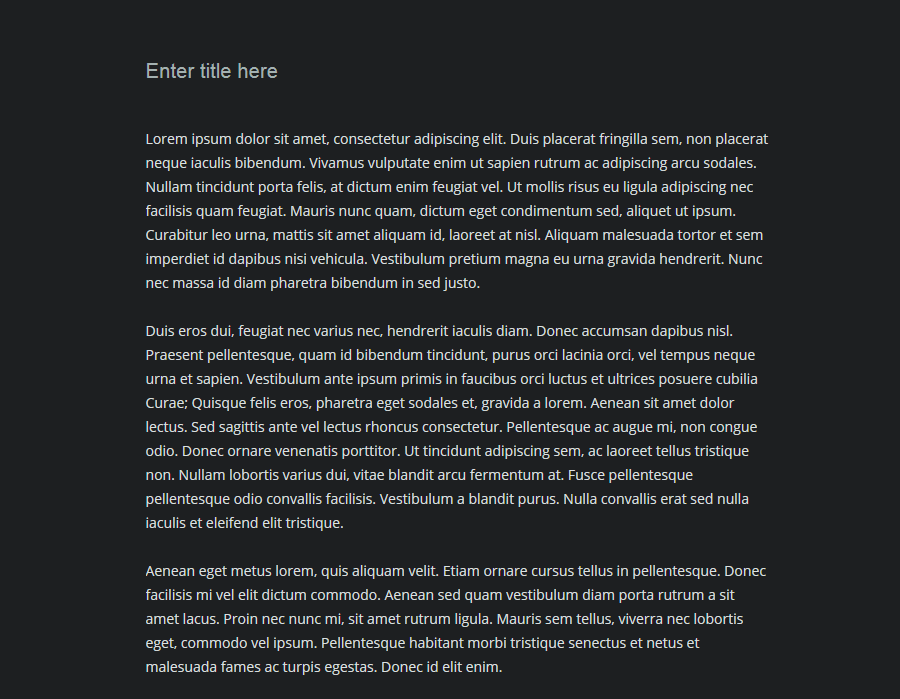
Calming dark blue hues. Perfect for writing into the small hours of the night.
Based on the dark Zen Writing mode on GitHub.
Make your own themes!
Use the Custom setting to write your own theme! If you’ve made a nice theme – create a topic in the support forum to have it included in an upcoming version!
Compatibility with other plugins is improved by applying some !important overrides.
Next version will see a Gallery-like mode for selecting your theme, so that you can get a better glance at all the themes at once.
A long-term goal is the ability to create your own theme using color pickers, as well as the ability of saving multiple custom themes.
Until next time:
 Latest posts from the useful snippets blog
 Living with technology